
Initiating an application
To initiate an application for the customer, we require a few details. Almost as if you were scanning items at the till.
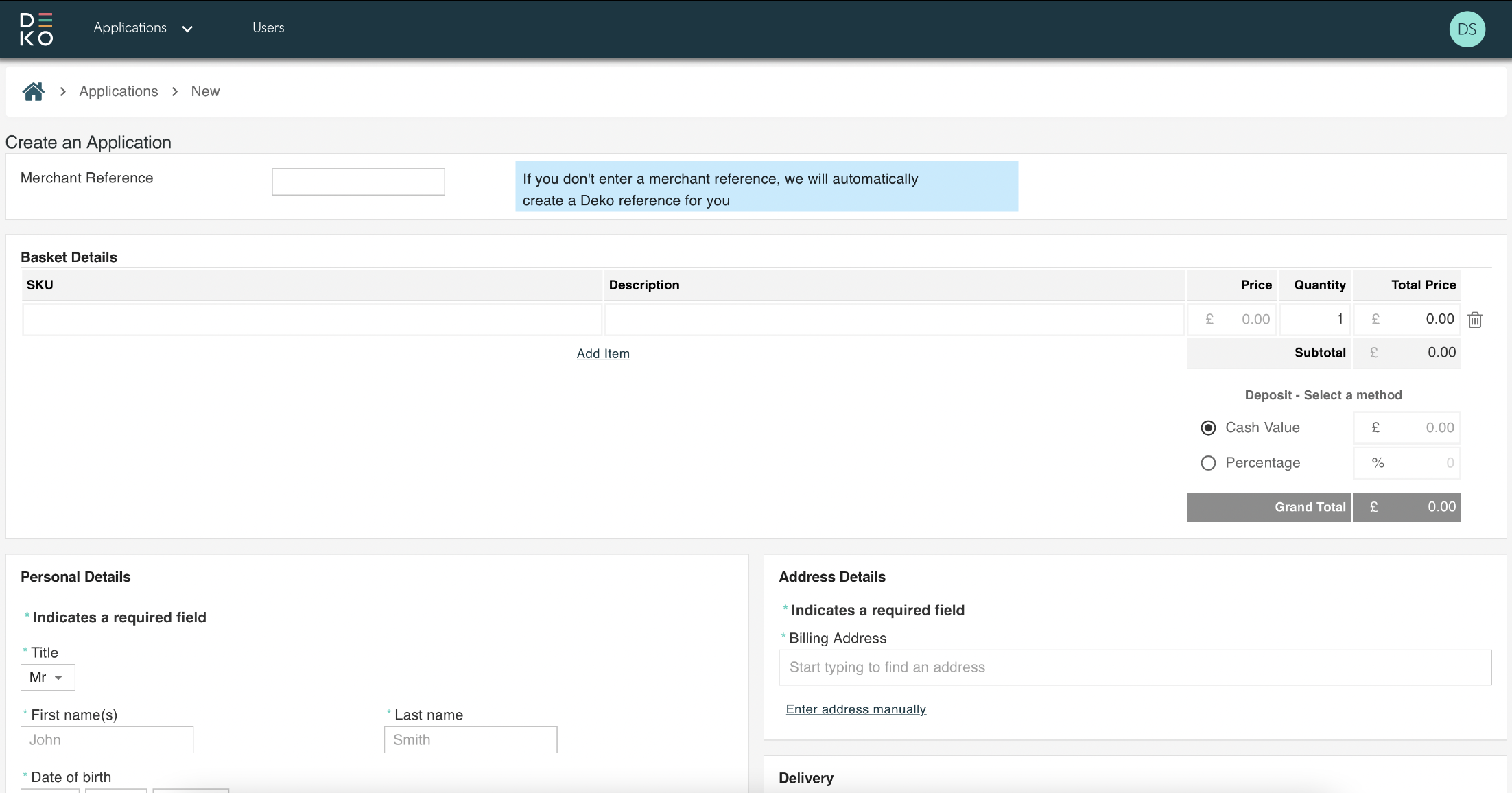
As soon as the details have been entered, select Launch Application, and you’ll be taken to a basket-view. This will be our first customer hand-off point, allowing the customer to check and confirm the details ahead of applying for finance.
The following fields will be required. Keep scrolling to find out more, or click on any to head straight there.
Merchant reference
Basket details
Deposit
Personal details
Delivery options
Merchant Reference

This is an optional field that allows a retailer to enter a unique identifier for the application. Perhaps a reference number that aligns with your POS system, so you can easily identify the application later on should you need to take action on it such as fulfilment or a refund.
Just be aware if you are entering your own merchant reference, it needs to be unique, and can’t be reused for other applications.
For all applications, Deko will create a unique 15 digit Deko Reference Number. So in the case that you either don’t have or don’t wish to enter an identifier, there will always be a unique way to identify the customer.
Basket Details
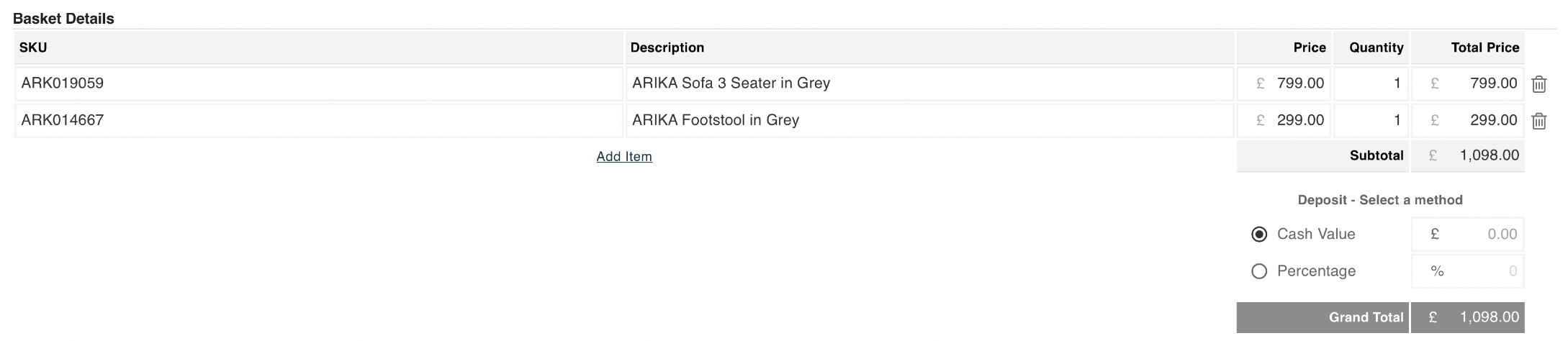
When entering the basket information, you can add as little or as many line items as you like.
You can do this by selecting, add item, below each line. Or, to remove, you can select the trash can, on the necessary item.
We encourage retailers to be as descriptive as possible, using the SKU and description fields.
As the quantity and value of each product is entered, Deko will automatically calculate the total price per line item, sub-total, and grand total values.
Deposit
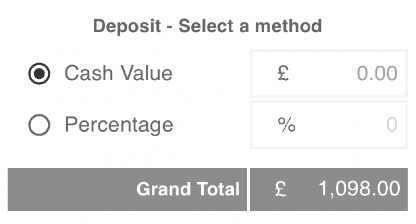
Deko’s in-store feature supports deposit taking. So if a customer wants to, or is required to put down a certain amount of money towards the purchase upfront, this is possible.
To do this, simply enter the cash value or enter a percentage of the purchase amount. Deko will calculate and display both values, as well as the grand total.
Deko won’t handle the deposit taking itself, providing retailers the flexibility to manage this manually in a preferred medium.
If required, this should be done after a customer completes, and has been approved for their application request.
Personal Details
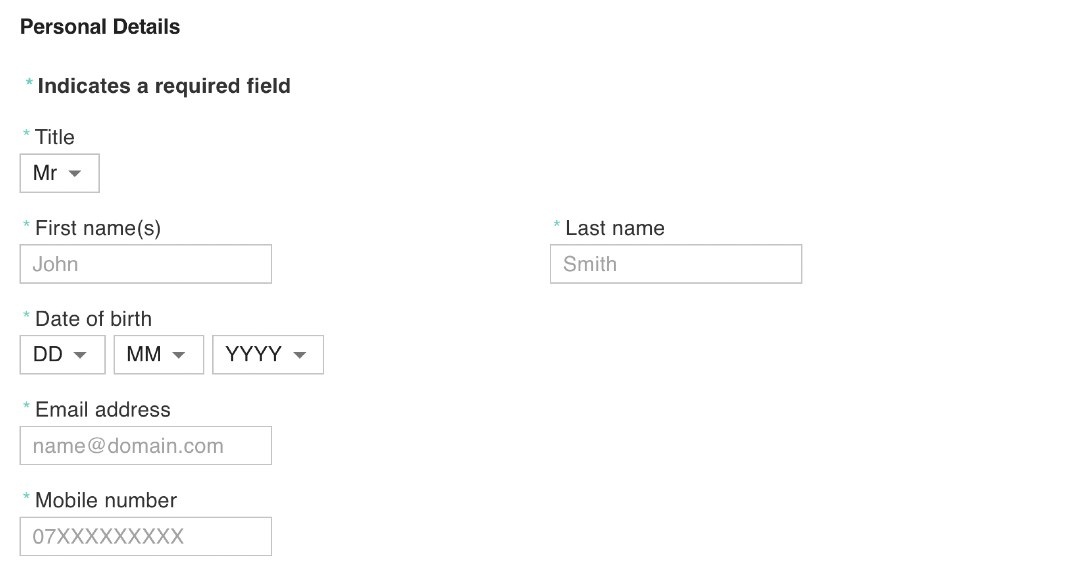
The retailer will need to collect personal information from the customer, including name, date of birth, email, phone number, and address.
Make sure to clarify to the customer this should be their billing address, not a shipping address.
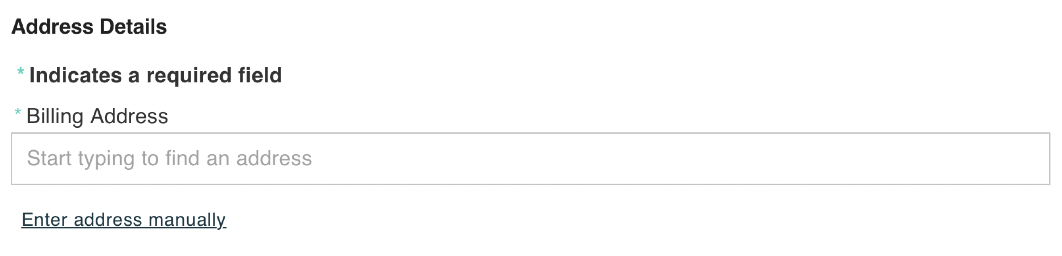
Deko and our partners take fraud extremely seriously, so to support the prevention of such occurrences, we require the billing and shipping address to be the same.
Delivery Options
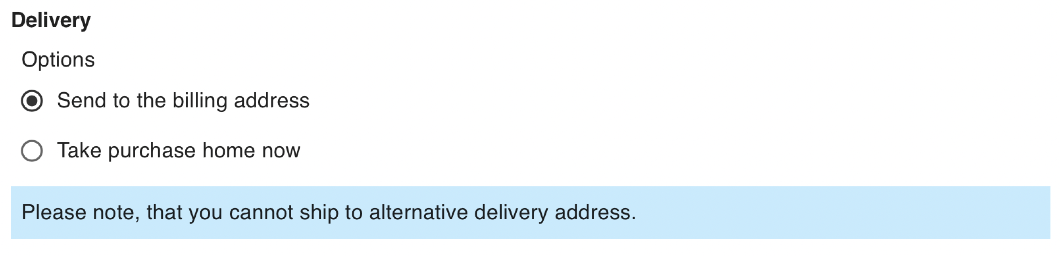
Although we ask that the billing and shipping address match, Deko doesn’t mandate that all purchases should be shipped to the customers address.
There is also the option for the customer to take the purchase away with them at the time of application. Should of course, the retailer have stock of the item and is willing for this to take place.
Updated over 1 year ago