
Customer e-Sign Process
Just before a customer has access to view and sign their loan documentation, they will be presented with a short video they need to watch highlighting key information about the loan they have been approved for.
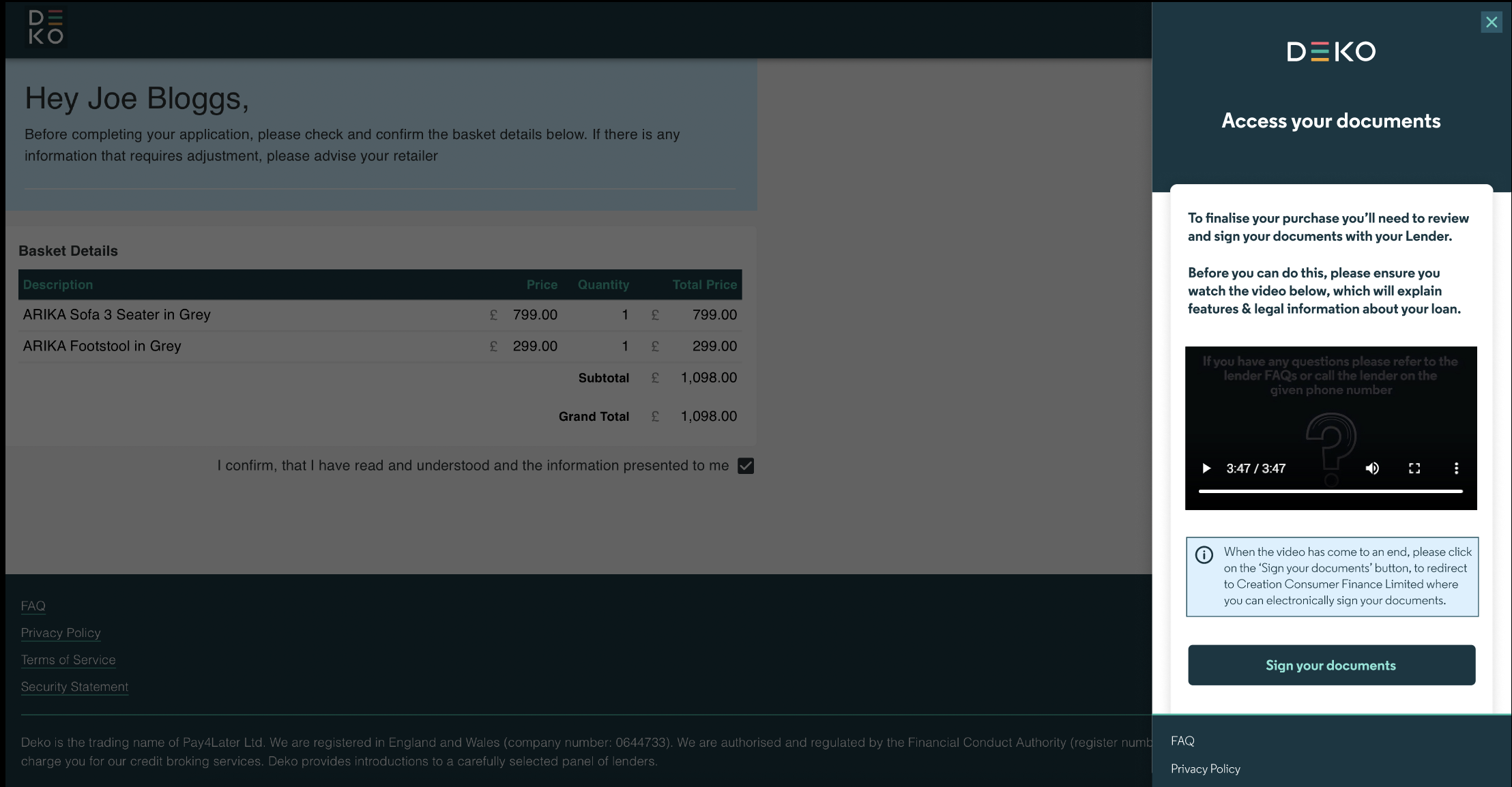
Once complete, the customer will be redirected to the Creation e-sign flow, where they can access their loan documentation to review and sign. The in-store e-sign process will also require retailers to joint sign.
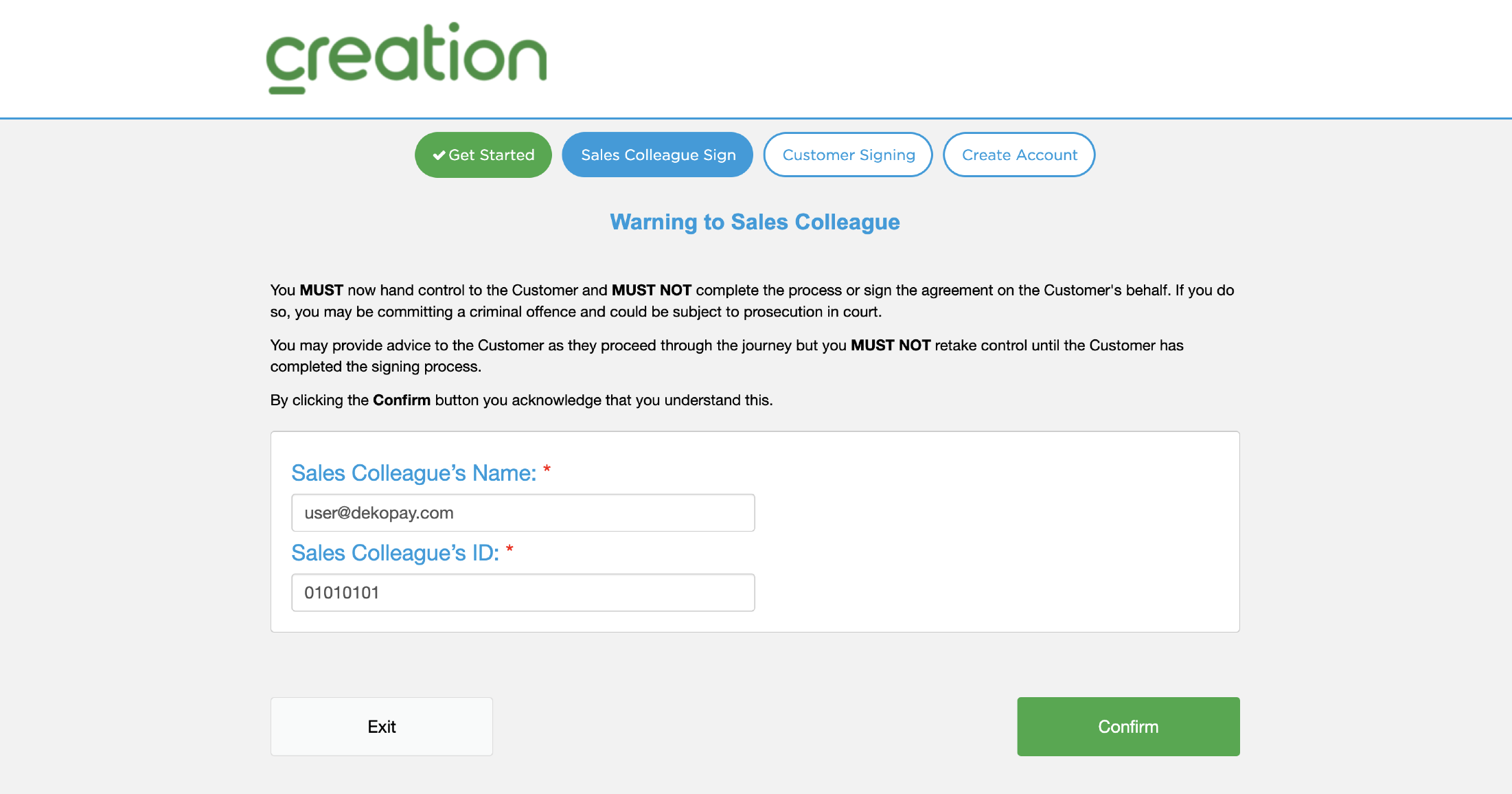
Once the retailer has co-signed the agreement, for security, the customer will be requested to enter missing digits from their bank account, displayed on screen.
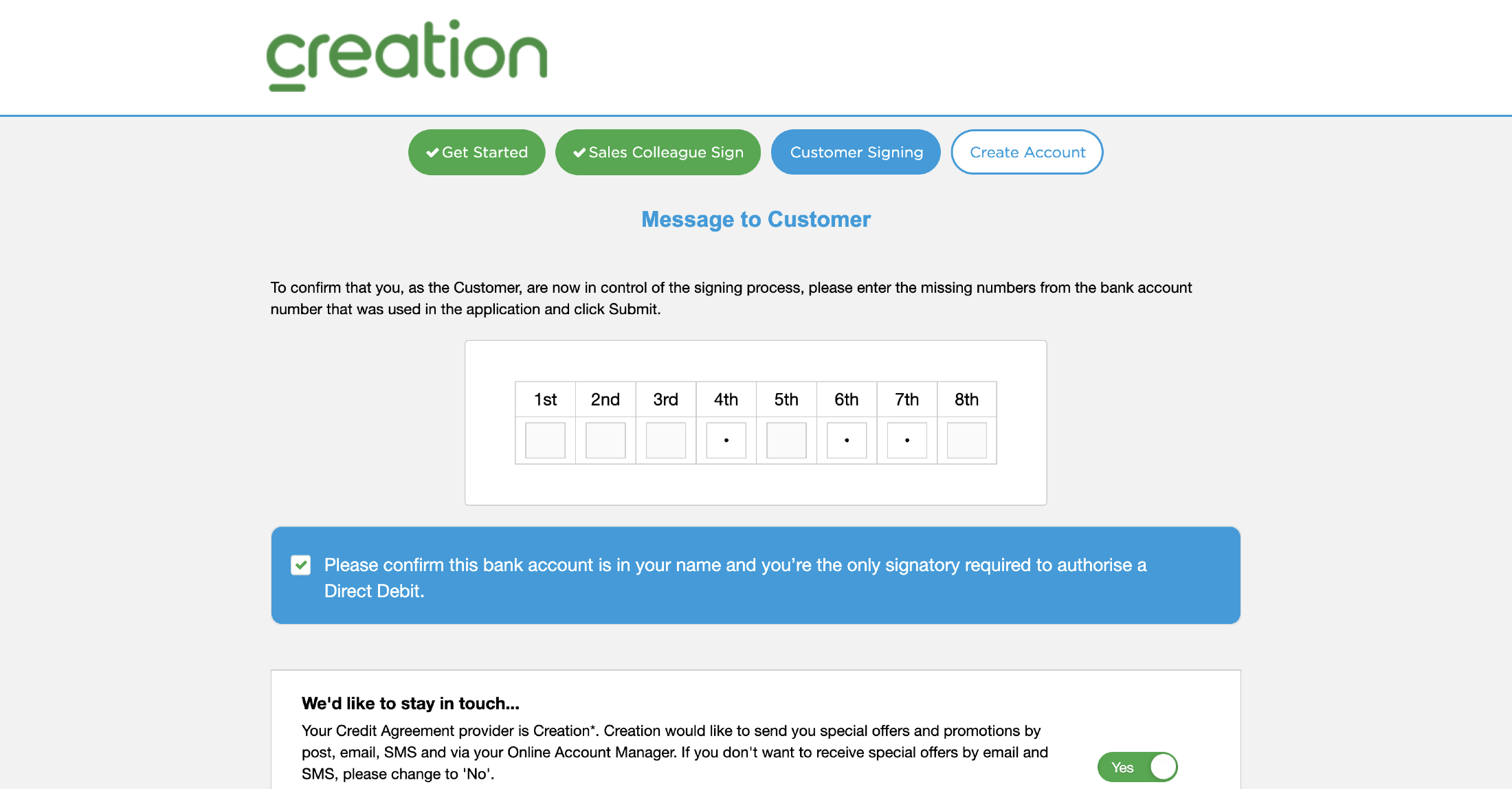
Once the account details have been verified, the customer can then gain access to view the loan documents .
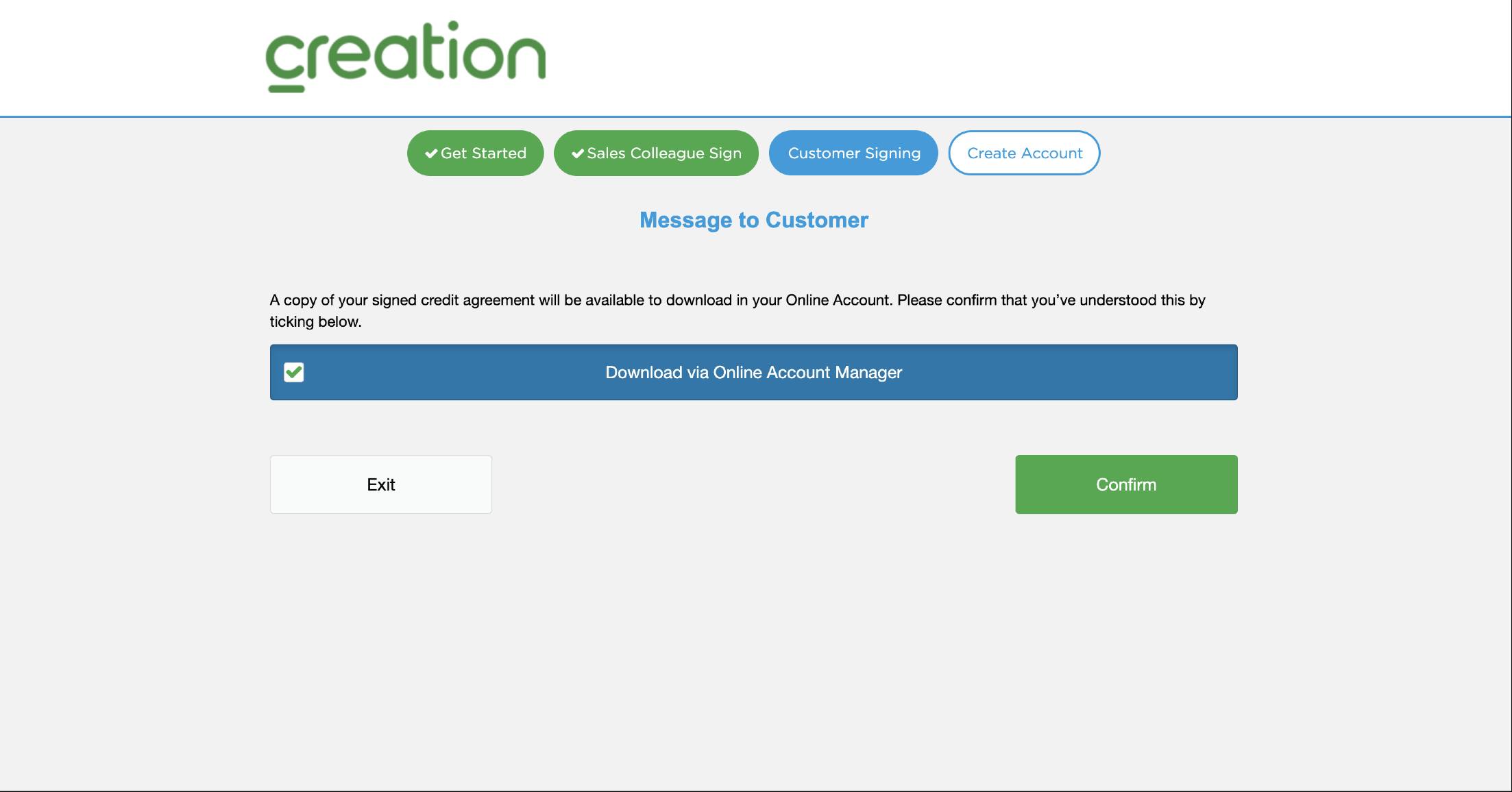
Before signing, it’s crucial that the customer has read the important information and acknowledged they have been presented with this information.
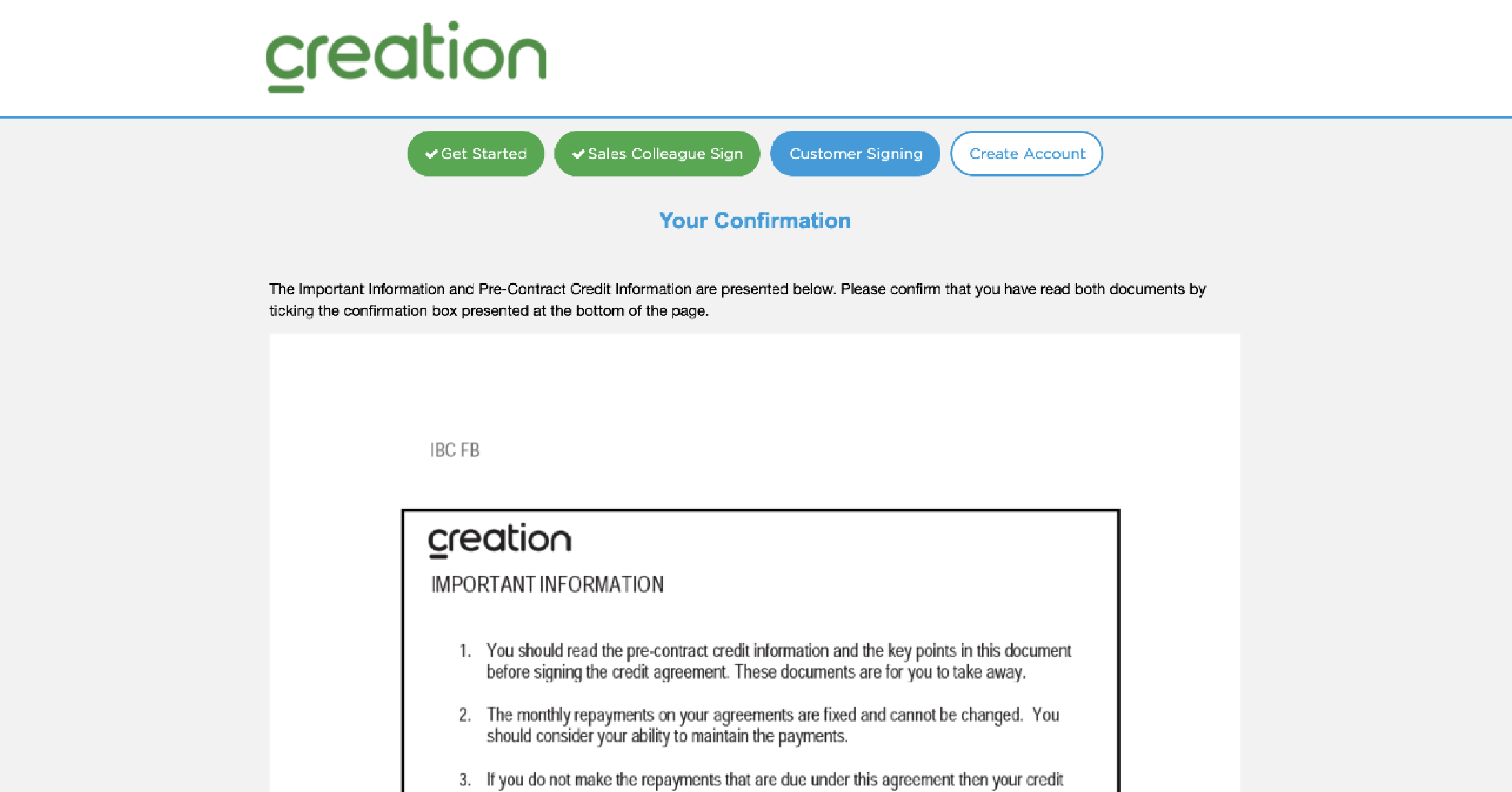
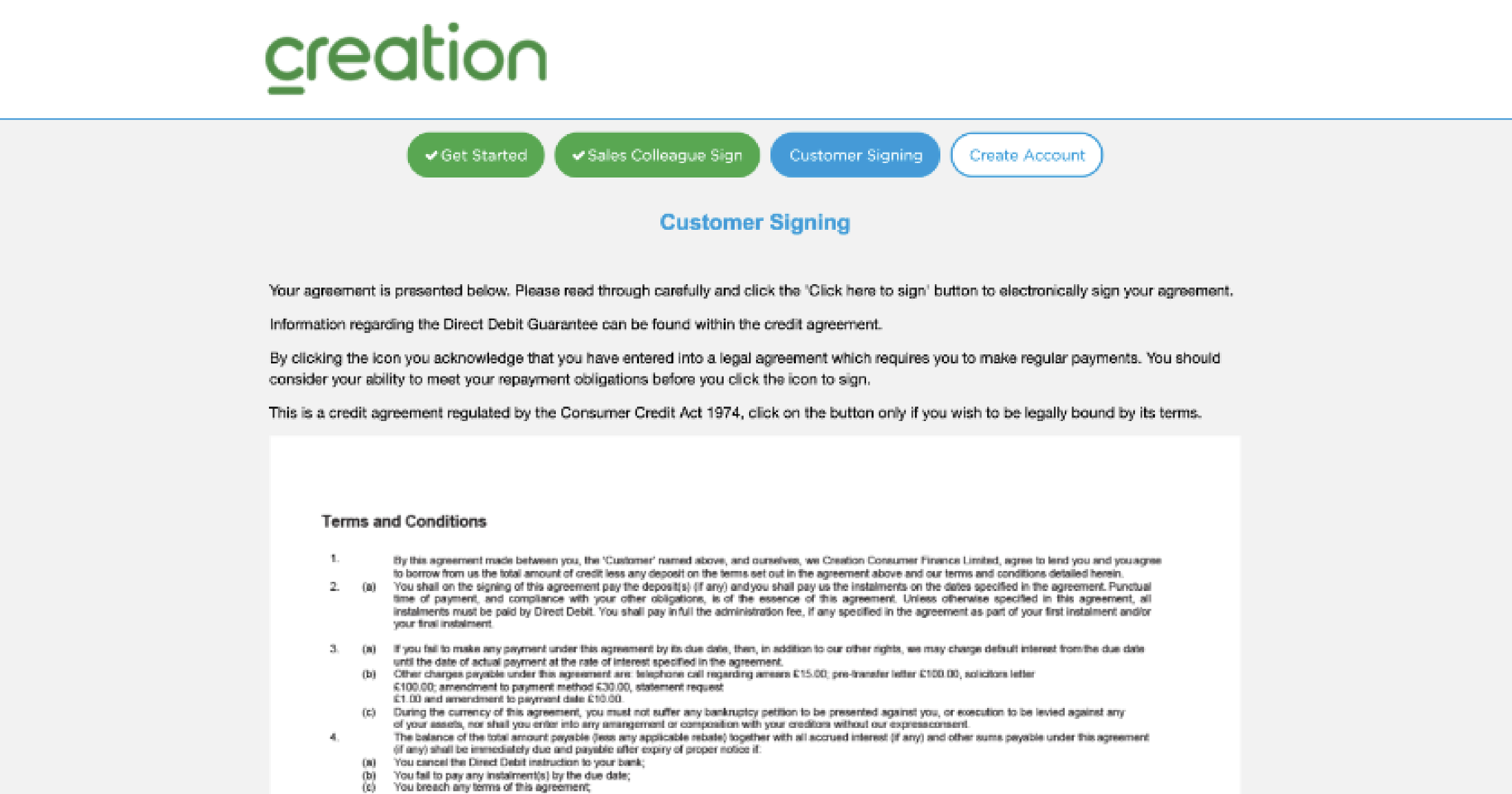
Now the customer will be able to electronically sign their documentation. Please note, that the customer will receive all the relevant information via email so they have a record.
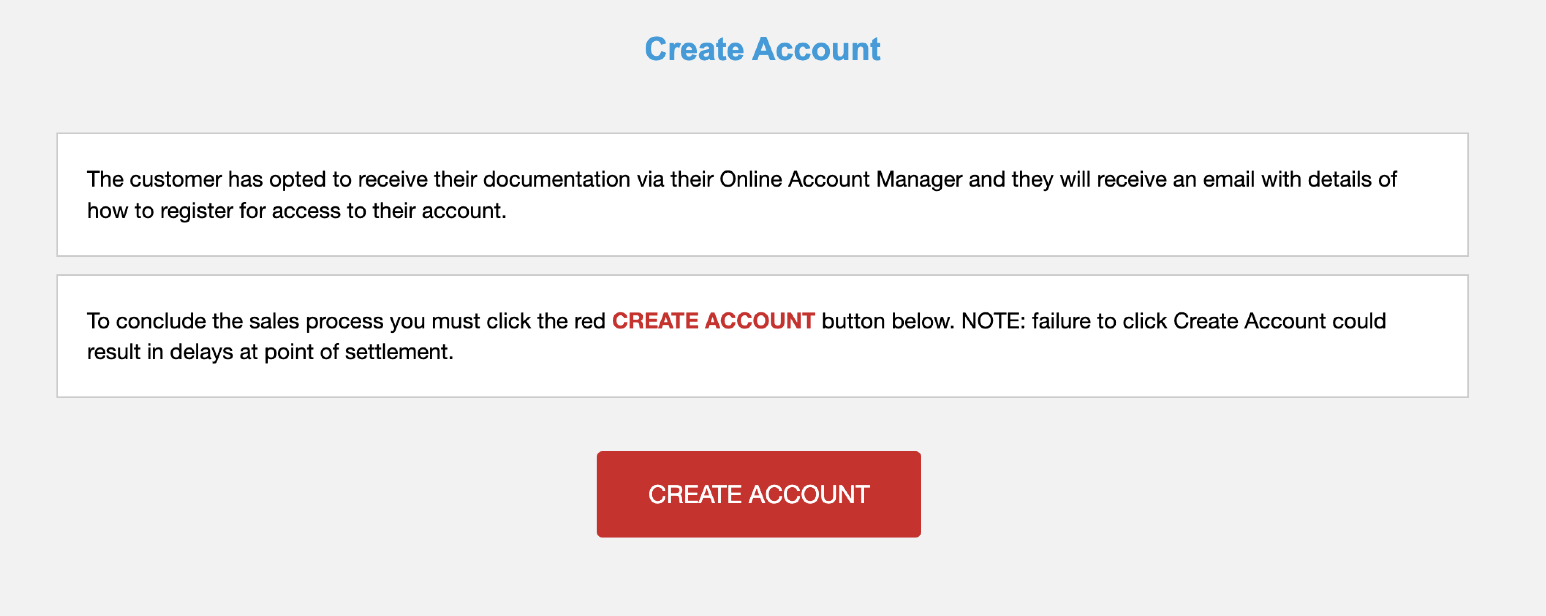
Now that the loan documentation has been read, understood and signed, the final step is to create an account. The customer simply needs to select ‘Create Account’ and this will complete the process and redirect them to a Purchase Confirmation page.
The purchase is now complete.
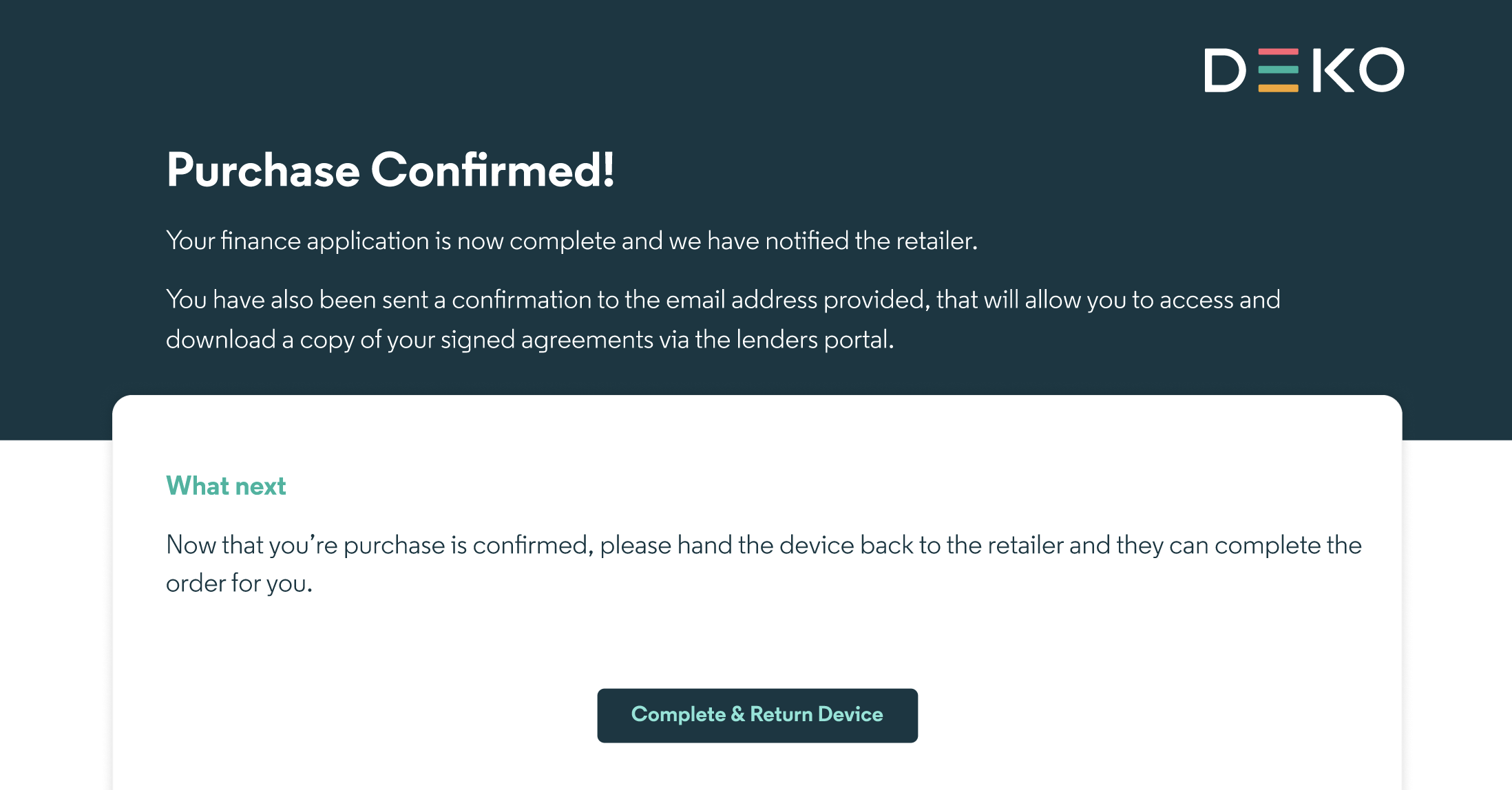
If the customer hasn’t already done so, then the retailer can select ‘complete and return device’, and you’ll be redirected to the dashboard login screen.
For security reasons, during the application process, Deko will have logged the trainer out of the dashboard. This is due to the nature of the customer hand-off.
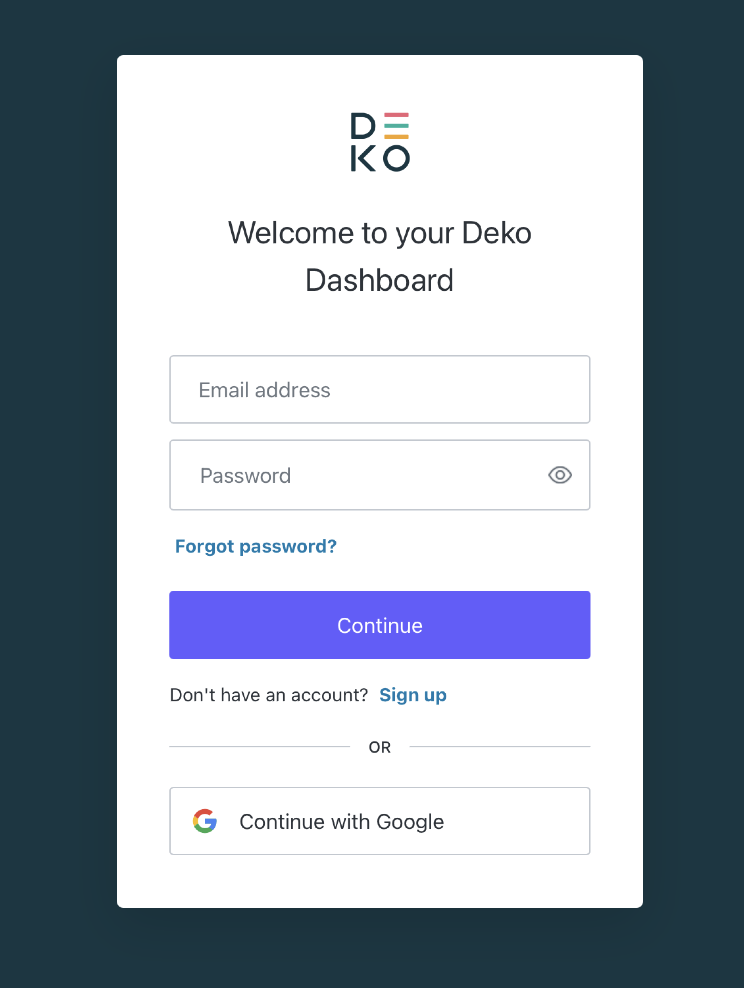
To view the order, simply sign in with SSO, and you’ll be able to view the application that was just processed or commence another in-store journey.
If the customer is taking the goods home with them today, make sure to view the order page and mark the goods as fulfilled. You can view information on how to mark an order as fulfilled, here.
If you are taking a deposit as part of this transaction, it’s recommended that you do so, ahead of marking an order as fulfilled.
Updated over 1 year ago