
Customer Confirmation Page
The customer should now be handed the device, as they will now need to read through the page and verify the basket details are correct.
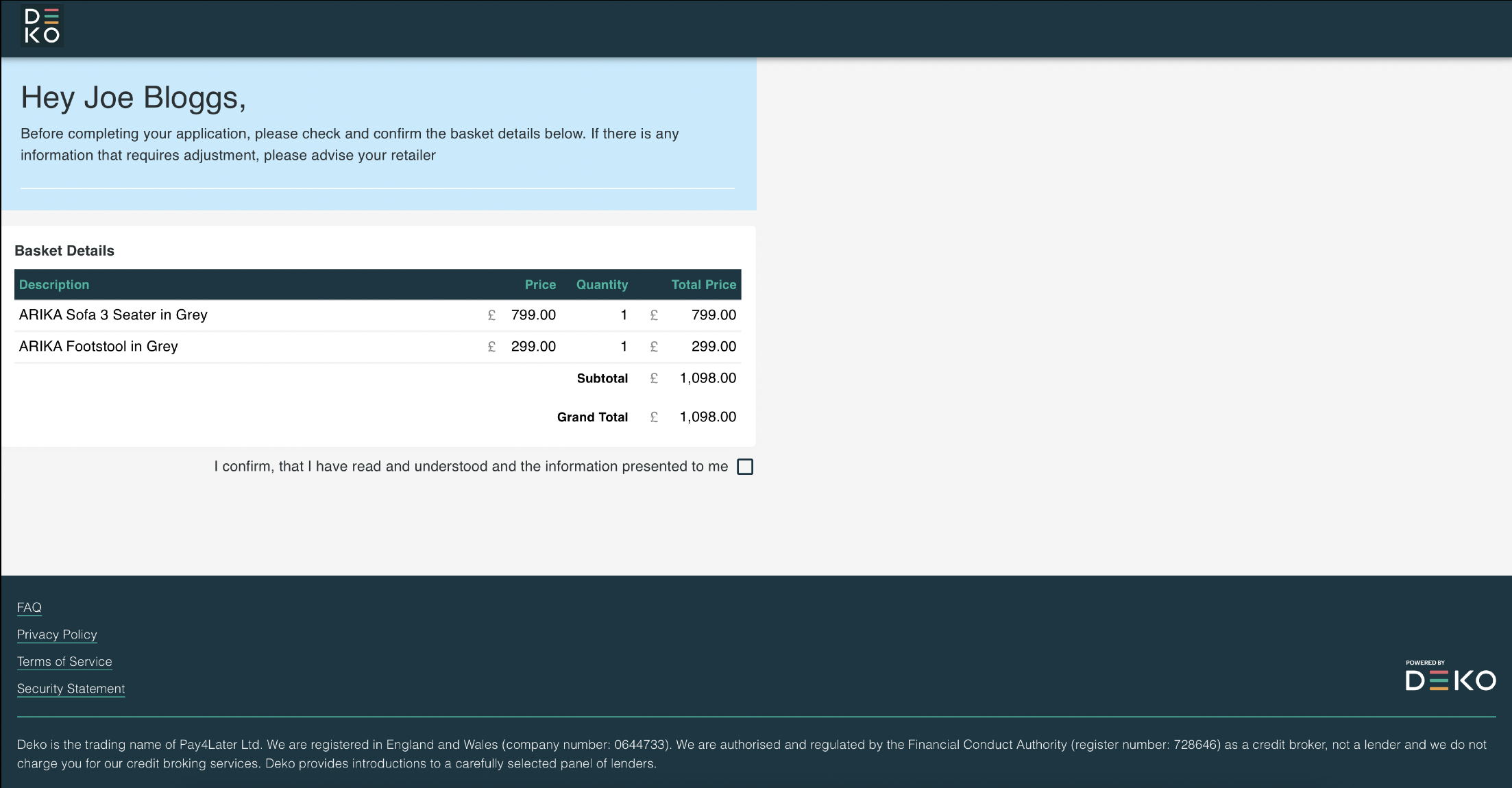
Once they’re happy they can confirm by selecting the checkbox, at which point the Deko side-tab will appear on the right hand side of the page, allowing the customer to begin their application.
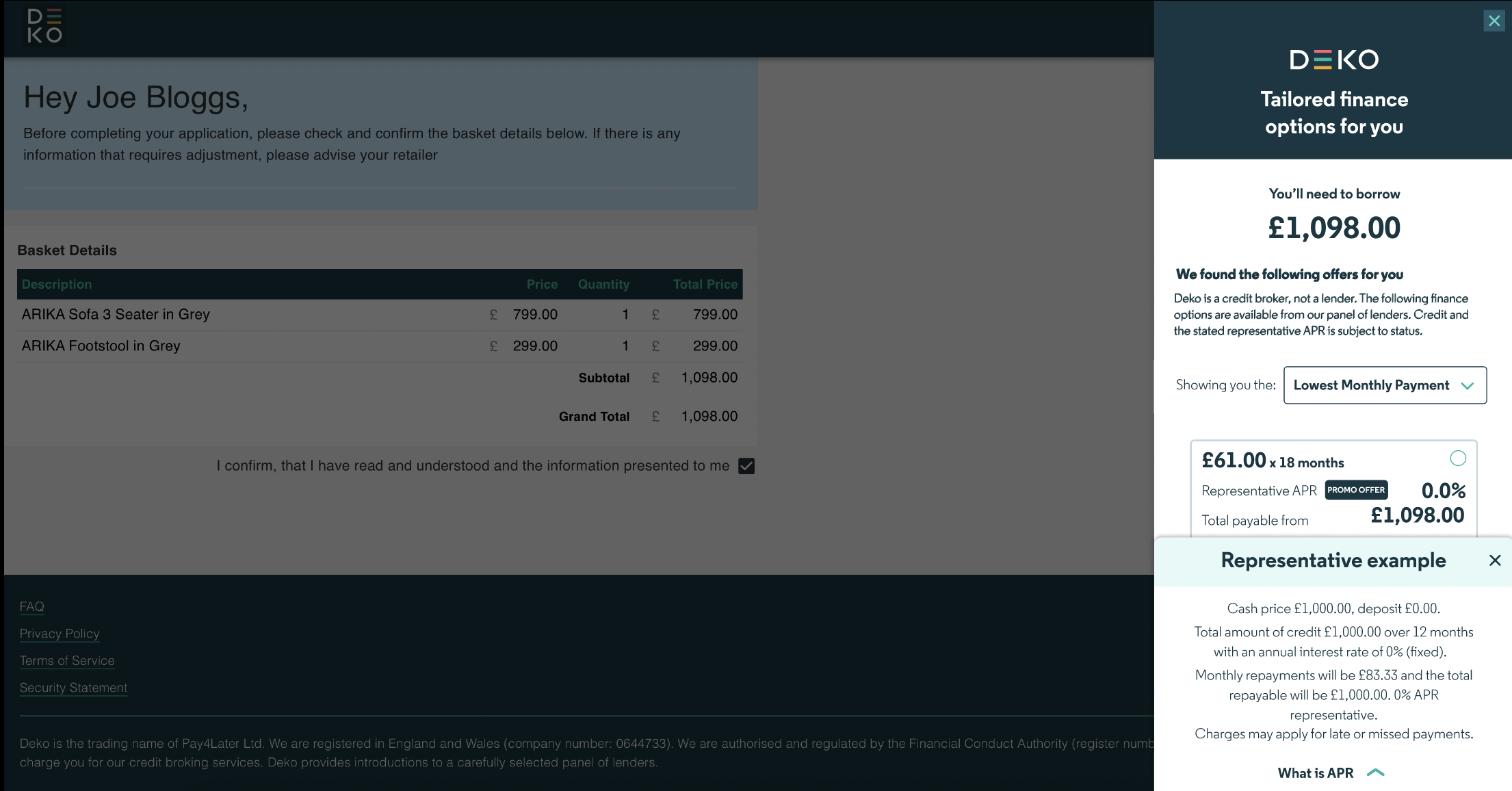
The in-store customer application journey is the same as the online application experience. You can locate this here.
For all in-store applications, as there is a face to face interaction, there are two additional areas required as part of the application processed highlighted below:
- Merchant Verification
- Customer e-Sign process
Updated over 1 year ago