User Management
User Management is only available to Admin usersIf you require access to User Management, please contact your Admin user. If you are unsure who your Admin user is, please contact our Client Services team via [email protected].
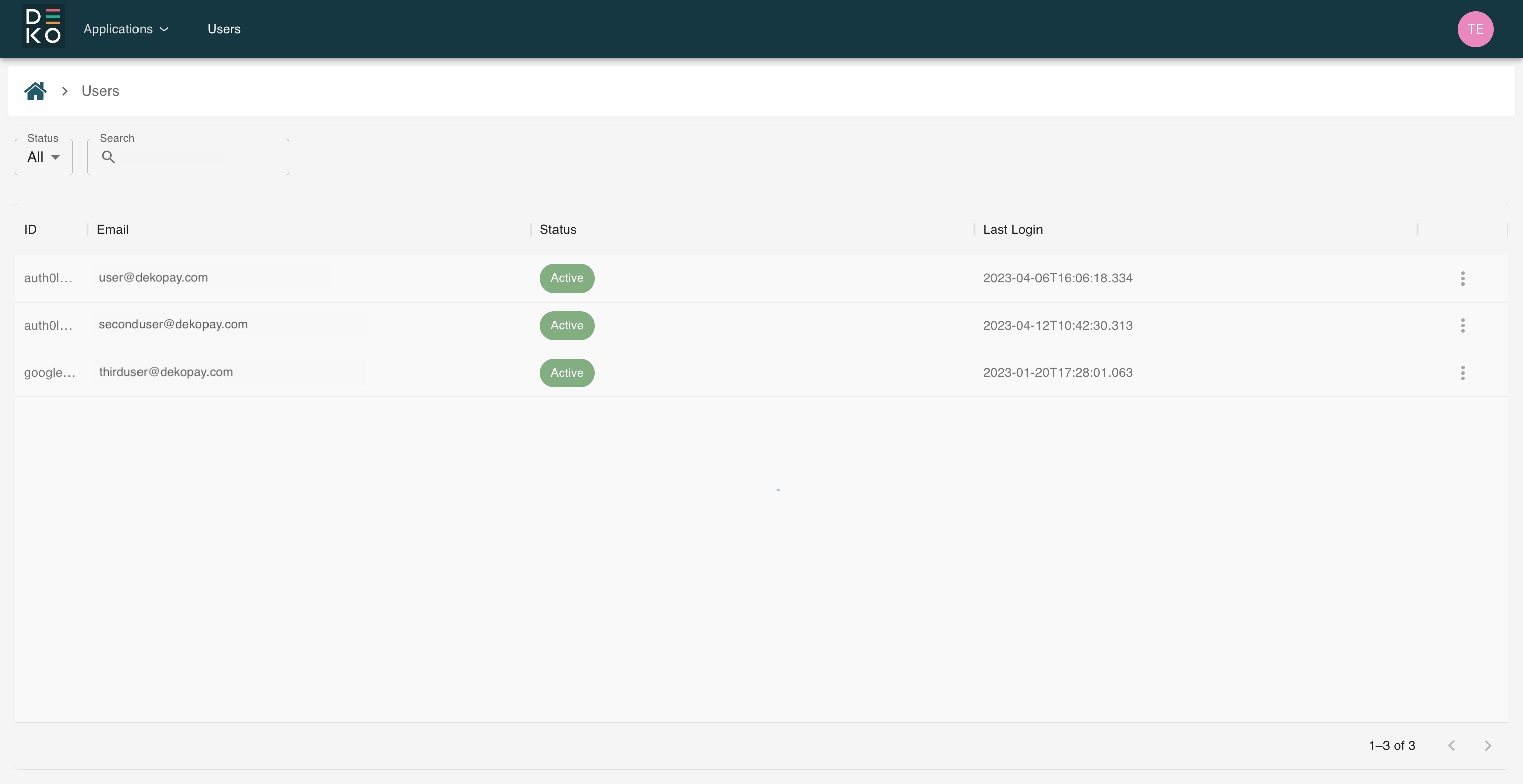
By accessing the User Management section in the Deko Dashboard, it is possible to view all of your users. You can search for specific users, as well as order by and filter by email, status and last login.
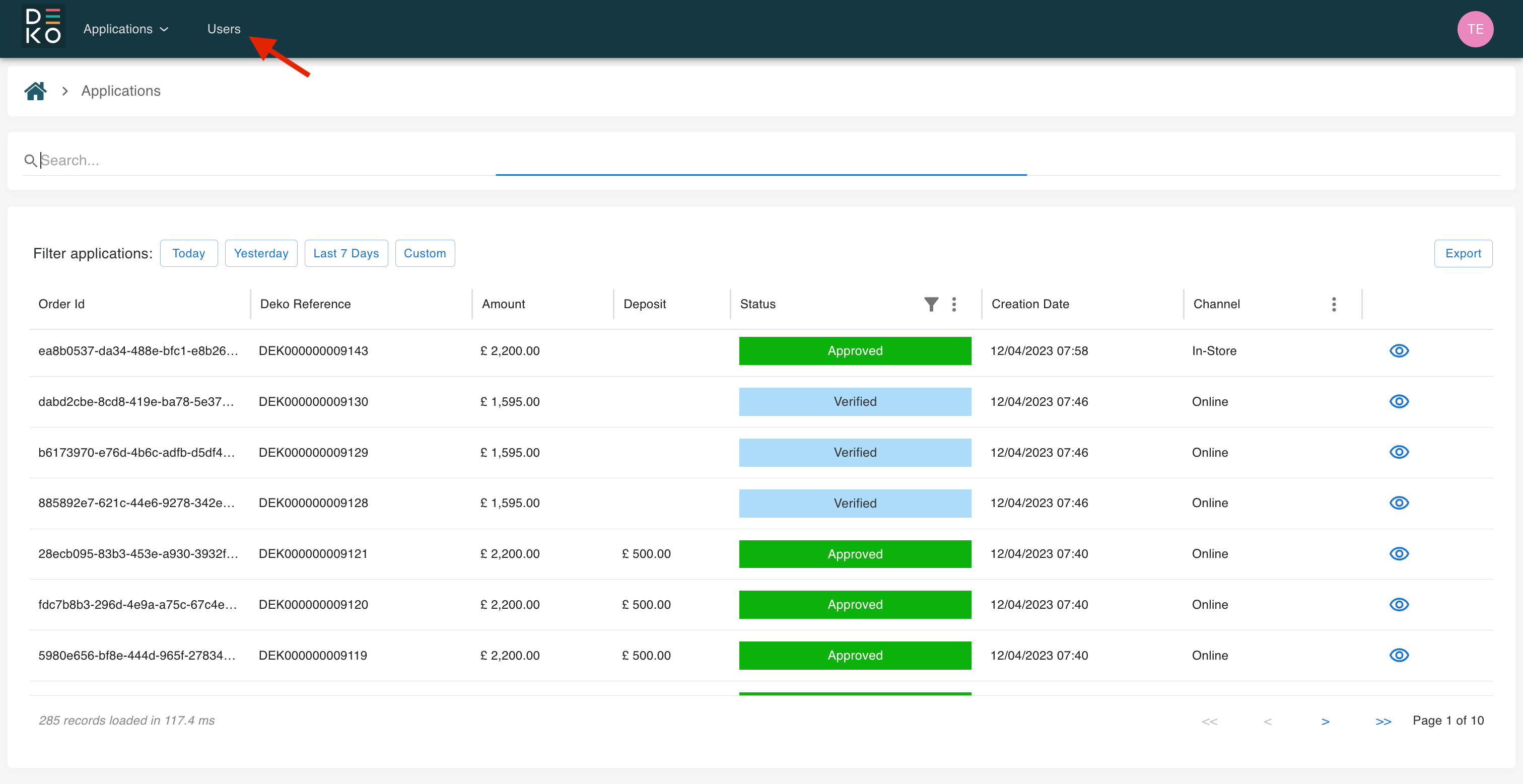
The User Management section can be found in the top navigation in the Deko Dashboard.
The User Management section will then be displayed, where you can view all of the users that belong to your organisation and your child organisations.
Updated over 1 year ago